Wellness plans on autopay
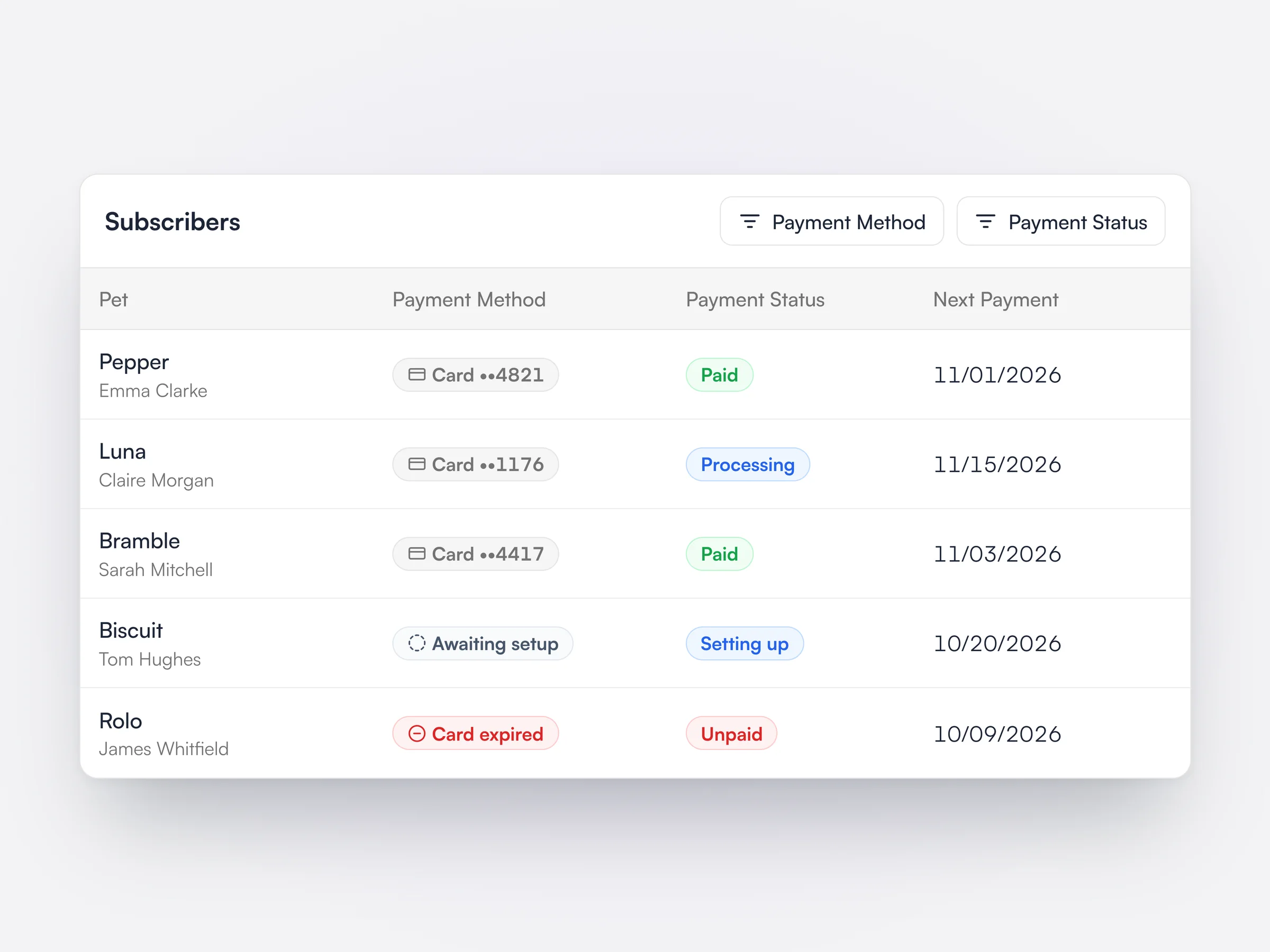
Every subscriber’s card and payment status, so an expired or declined card shows up right away.
Lupa Pay brings card terminals, payment links, wellness plan autopay, and unpaid invoice follow-up into one system.
Talk to SalesPayments are taken inside Lupa, so there’s nothing to match up later.
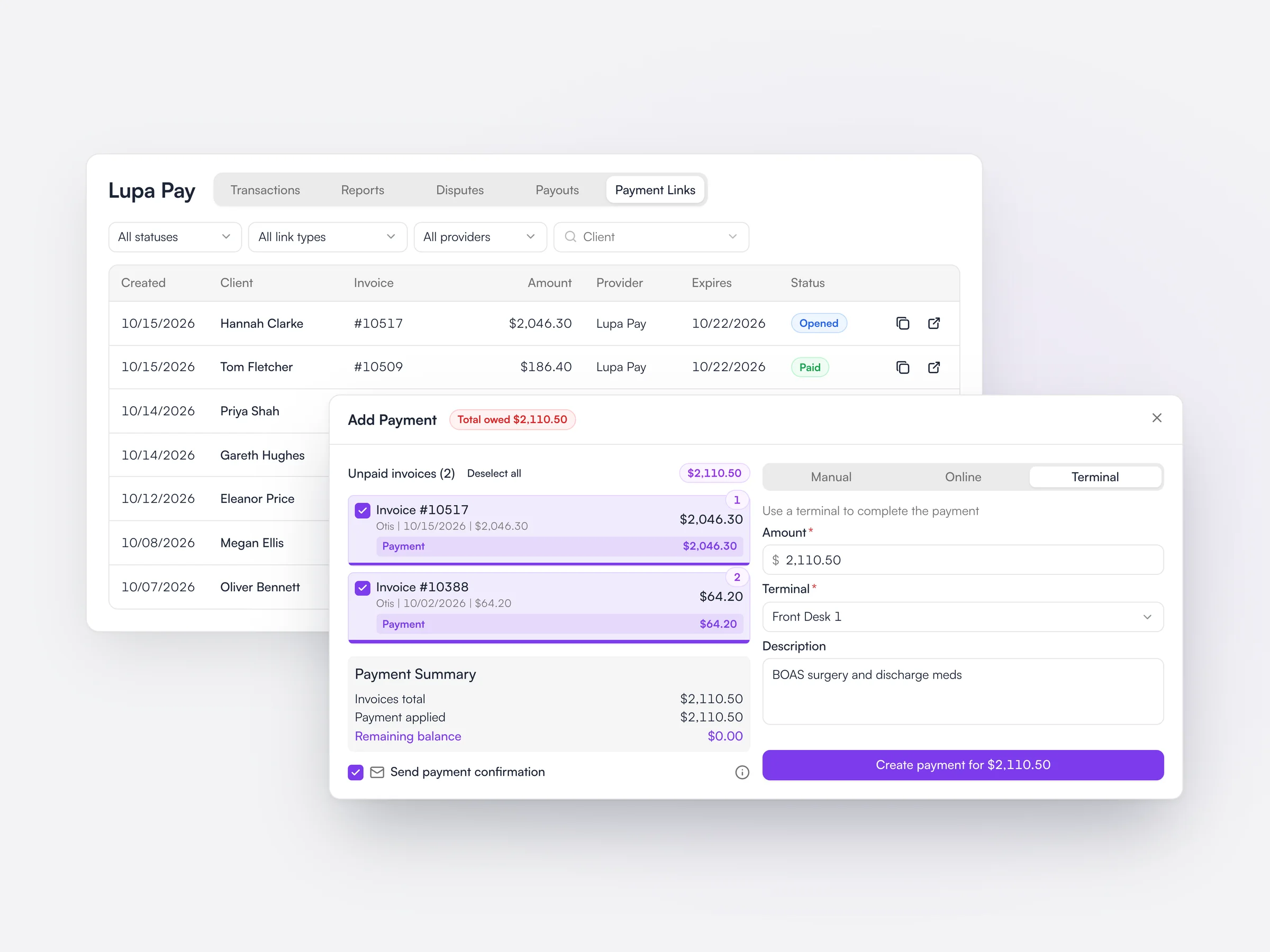
Pick a terminal, or send the client a payment link.
At the desk, in the exam room or on their phone.
The invoice is marked paid the moment the payment goes through.
At the desk, online or every month, it all lands in the same place.
Label each one, like Front Desk 1 or Exam Room 2.
Take payment in the exam room, not just at the desk.
Send by email, WhatsApp or Lupa Chat.
Cards on file for wellness plan payments.
Take a deposit or the full fee when clients book online.
Charge wellness plan payments to the card on file every month.
All in Lupa, with no separate dashboard to log into.
Each location has its own account and payouts.
Clients can pay from their phone, or spread the cost with Klarna.


Plan payments and unpaid invoices are tracked in Lupa, not in a separate report.
Every subscriber’s card and payment status, so an expired or declined card shows up right away.
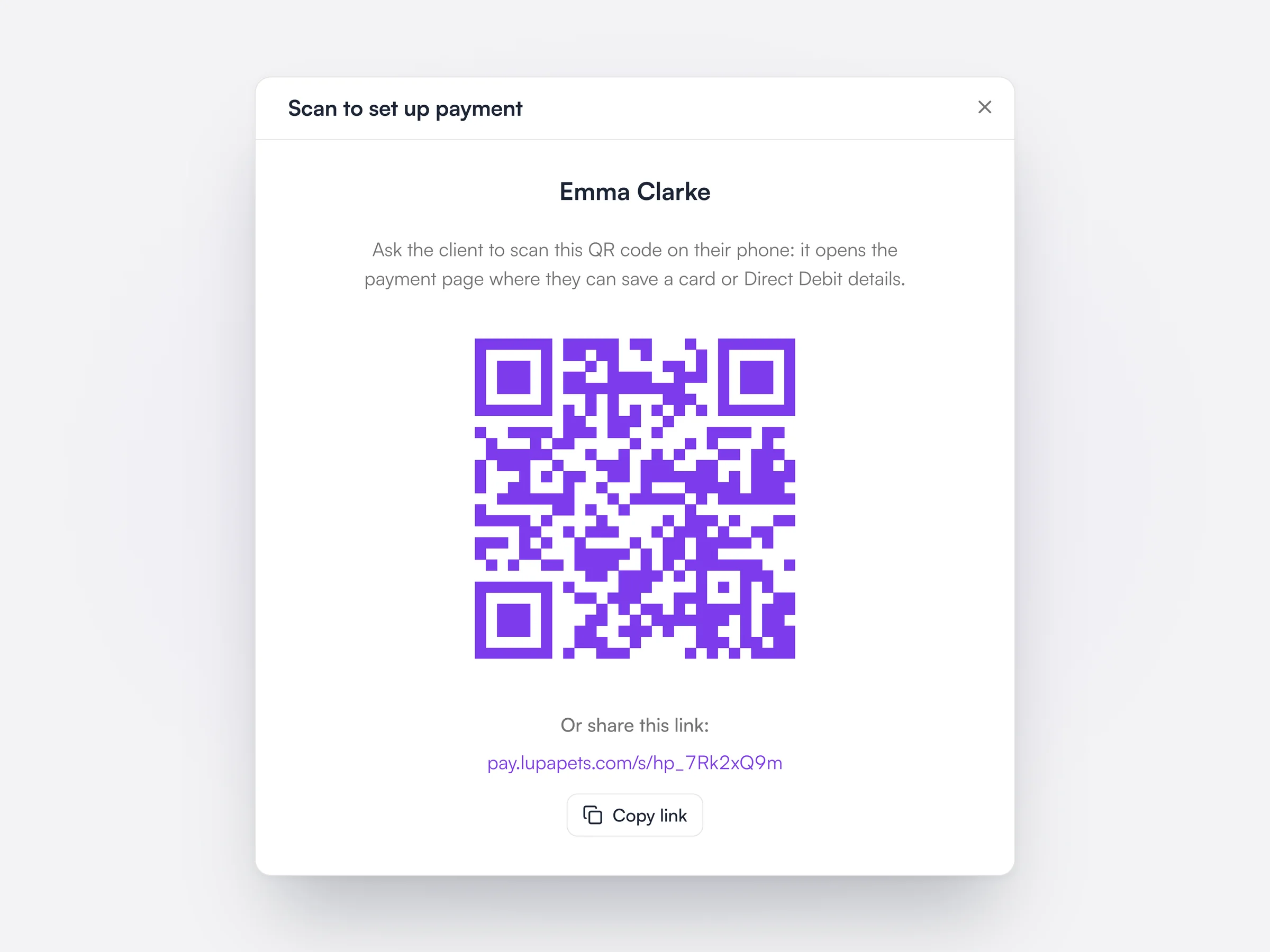
The client scans a QR code and adds their card on their own phone.
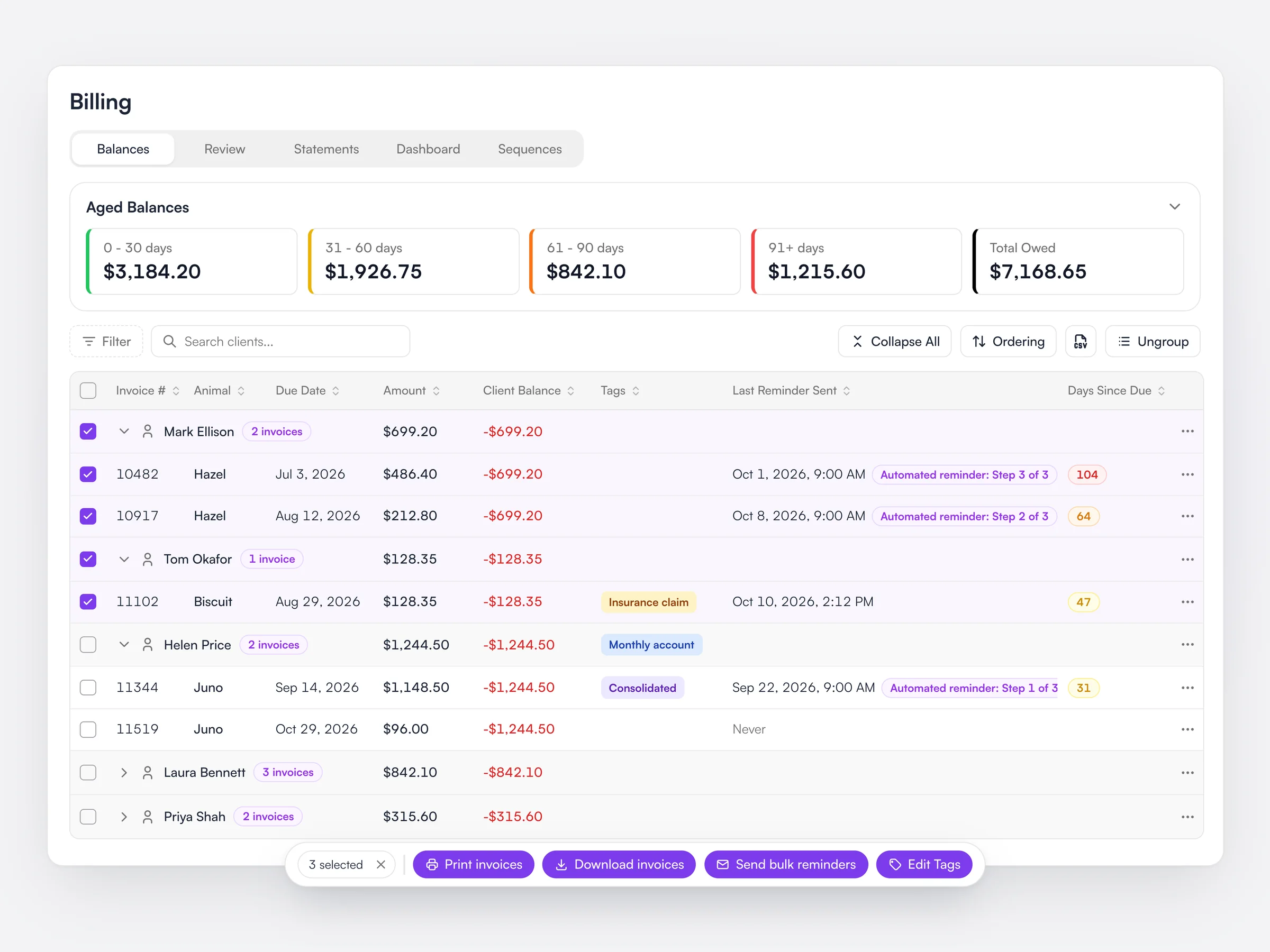
See who owes what and for how long, then remind them all in one go.
Because the front desk doesn’t always go to plan.
Send them a payment link and the invoice settles when they pay.
Lupa pauses the plan’s allowances until the payment comes in.
You see it in Lupa Pay and send your evidence from there.
Filter by age and send reminders to everyone in one go.
Each location has its own Lupa Pay account and payouts.
Every payment is already on its invoice, so there’s nothing to reconcile.
No, plenty of practices run Lupa Pay alongside their current card processor while they move over.
Payouts usually reach your bank two business days after the payment.
You’ll see it in Lupa Pay, and can send your notes and consent forms as evidence from there.
Yes, each location has its own Lupa Pay account and its own payouts.
Send payment links from any device that’s still online.
Clients can add a donation when they pay, to two charities we’ve chosen for 2026 and 2027.